An image or video on this page did not load. Reload the page; if it is still missing, a file may not have published yet.
Product Updates
Product Updates ·
A rebuilt Domain Manager, mobile sidebar control, and bulk delete for transactions
Everything that reached Brilliant Directories websites this week, grouped by area of the software, followed by the default widgets and post type templates that changed.
Bulk delete for member transactions, a Sign Up Form list that matches each plan type, and fixes for the scheduled closing process and plan saves that broke checkout purchases.
New
Bulk delete for member transactions
Added a bulk delete option to member transactions, with checkboxes to select several invoices at once. Checkboxes now also appear on the Cancelled invoices tab.
Checkboxes on the Cancelled tab and Delete Selected in List Actions
Improved
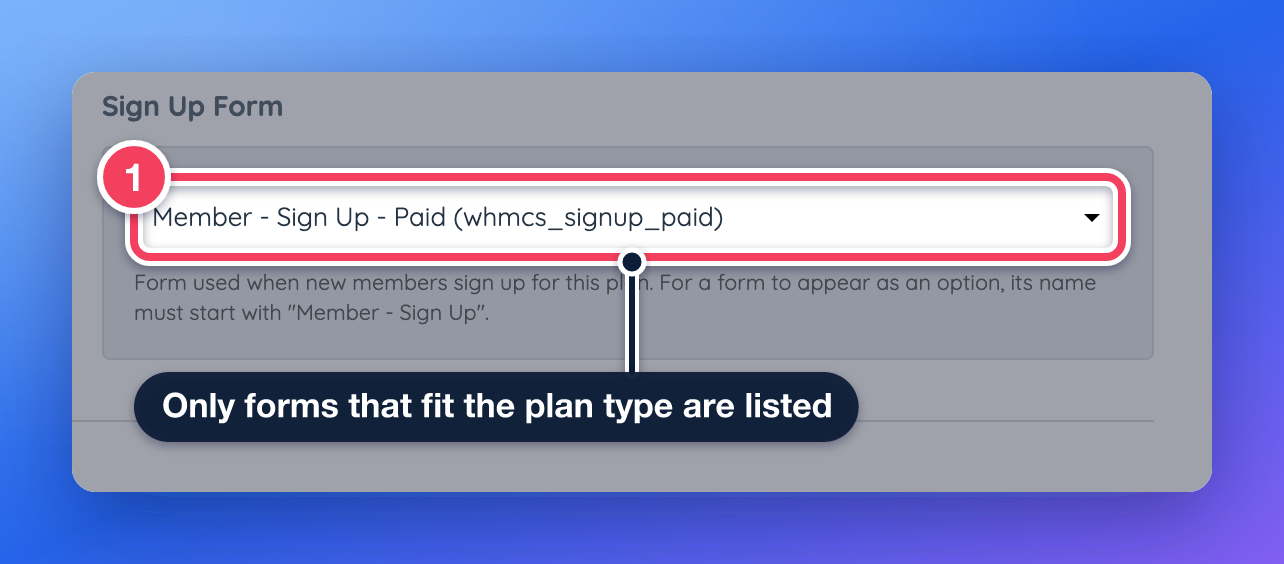
Sign Up Form list matches plan type
Improved the Sign Up Form choice on each membership plan so it lists only forms that fit the plan's billing type. This prevents a free form from being assigned to a paid plan by mistake.
Scheduled closing re-cancelling members. Fixed an issue where the scheduled account closing process cancelled and emailed members again when their account was already cancelled or had been reactivated by an admin.
Plan save breaking checkout purchases. Fixed an issue where saving a membership plan could create a redirect on the checkout address, which stopped Digital Product and Pay Per Post purchases from completing.
My Content
Sidebar position on mobile can now be set page by page, the editor emoji picker is searchable, and an editor popup placement issue is fixed.
New
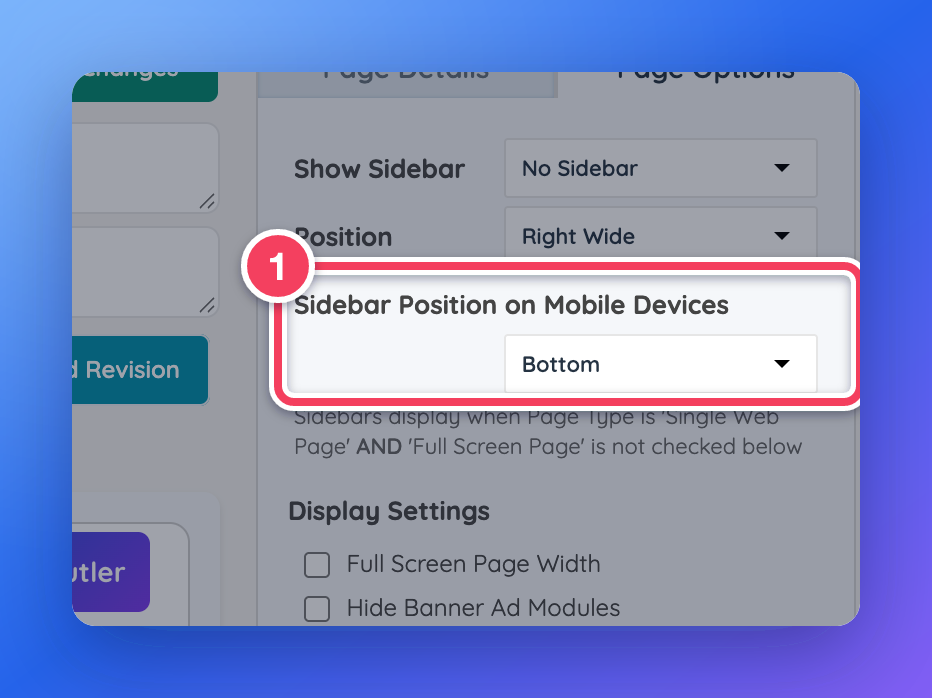
Sidebar position on mobile, per page
Added a Sidebar Position on Mobile Devices setting to web pages. Admins can choose to show the sidebar below the content, above it, or hide it on phones, page by page.
Sidebar Position on Mobile Devices: choose Top, Bottom or Hide.
Improved
Searchable emoji picker in editors
Improved the emoji picker in the text editor and the email editor. Emojis can now be searched by keyword, and recently used emojis are kept for quick access.
Where: Any text editor in the admin area, and the email editor
Editor popups out of reach with translation. Fixed an issue where editing popups in the text editor, such as image, link and table options, appeared far down the page on websites that load a third-party translation script.
Front End & Design
Print versions of pages are kept out of search engine results, and radius search totals no longer count expired posts.
Improved
Print pages kept out of search results
Improved how print-friendly versions of pages are handled so search engines no longer index them as duplicate content.
Where: Public website (print version of a page)
Fixed
Radius search total counted expired posts. Fixed an issue where a location search with a radius counted expired posts in its results total when the post type hides expired posts from search. Widgets: Search - Post - Search Query, Search - Group - Search Query
Settings
The Domain Manager was rebuilt with one-click Cloudflare sign-in, automatic email deliverability records, and accurate certificate and registration details.
Improved
Rebuilt Domain Manager with Cloudflare sign-in
Rebuilt the Domain Manager. Admins can now connect Cloudflare with a one-click sign-in, email deliverability records are set up automatically, and certificate and domain registration details now show what is actually in place.
Cloudflare, SSL and Emails tabs of the rebuilt Domain Manager
Dashboard Overview
The website preview image on the admin dashboard now updates when the country tool limits the site.
Fixed
Dashboard preview image with country limits. Fixed an issue that kept the website preview image in the admin dashboard from updating when the Block/Allow Country tool limited the site to specific countries.
Developer Hub
The Block/Allow Country tool no longer blocks integrations that connect through the API, such as Zapier and n8n.
Fixed
Country tool blocking API integrations. Fixed an issue where the Block/Allow Country tool also blocked integrations that connect through the API, such as Zapier and n8n.
My Members
Fixed a category selection issue that showed a category on a member's public profile that the member never chose.
Fixed
Parent category chosen without sub-category. Fixed an issue that allowed a parent category to be selected with no sub-category, which showed a category on the member's public profile that the member never chose. Widget: Bootstrap Theme - Account - Select CategoriesLearn more: How To Select Categories as a Member
Widgets and templates updated
These default widgets and post type templates changed this week. A website that has customized one of them keeps its own version and does not receive the update. To pick up the change, copy it into the customized version, or remove the customization to go back to the updated default.